See how your servers are doing, from your phone.
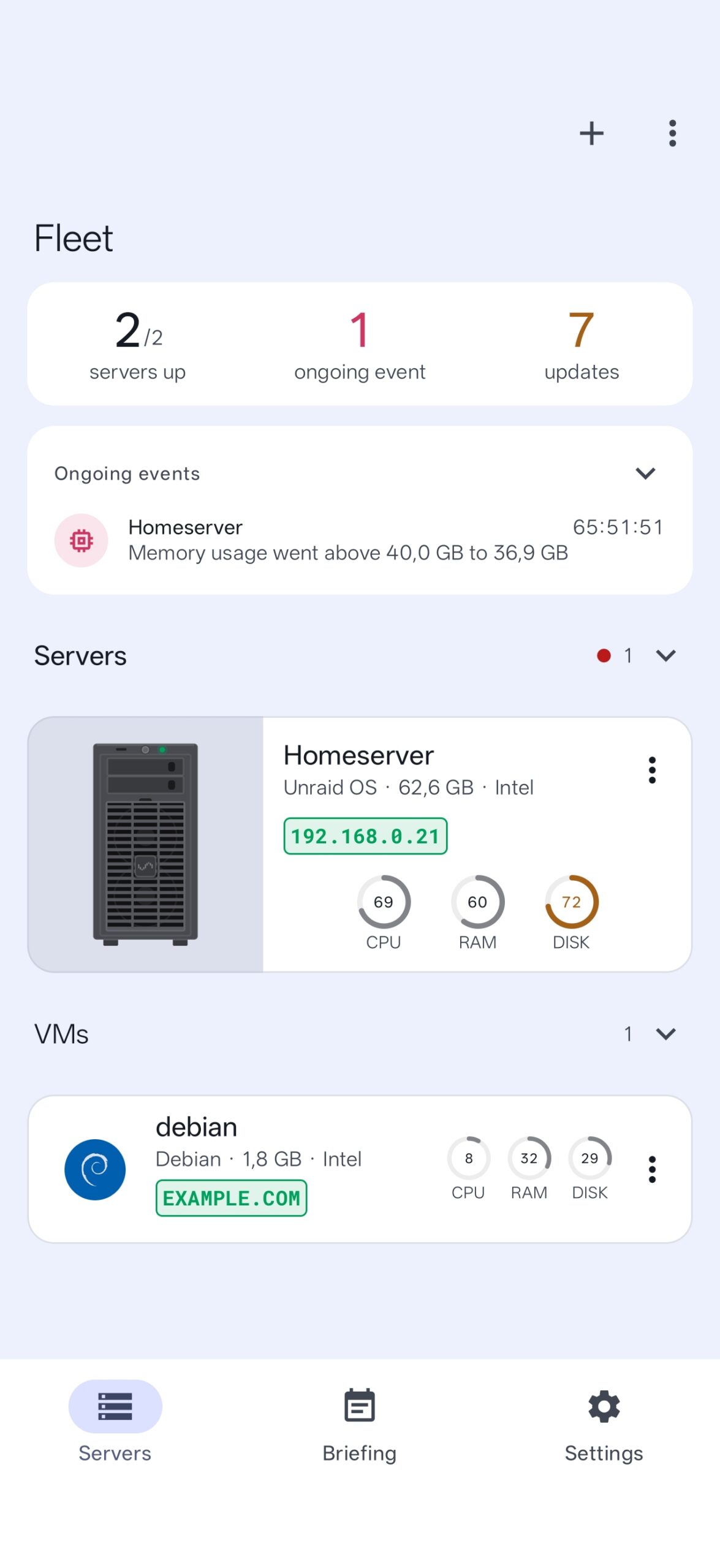
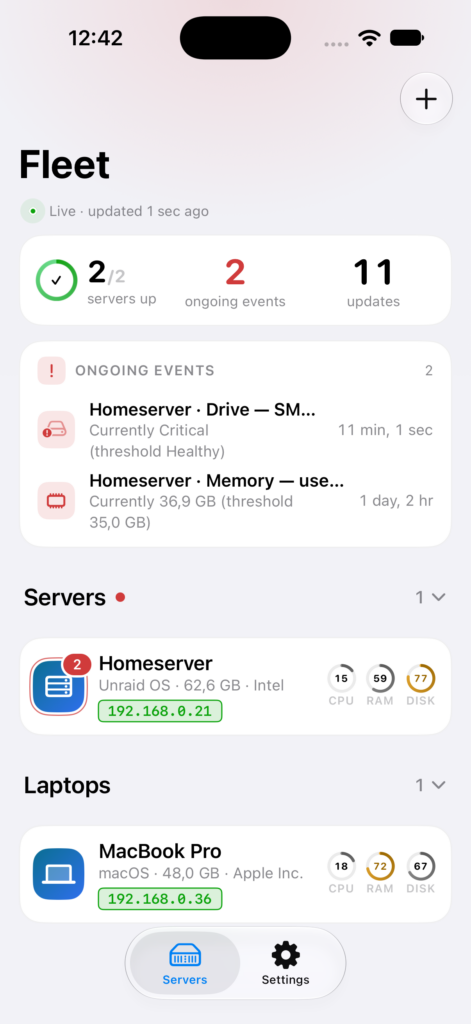
Monitee shows what the machines you run at home are up to: CPU, memory, disks, containers and services, with a push notification when something crosses a limit. It talks directly to an open-source agent on your own server. No cloud, no account.
Free for one server. Pro for the rest. Runs on Linux, Windows, Unraid, TrueNAS and Home Assistant.
Features
Not just graphs. You can act on what you see.
Most monitoring tools tell you something broke. Monitee lets you restart the container, stop the service or read the log from the same screen.
Live metrics
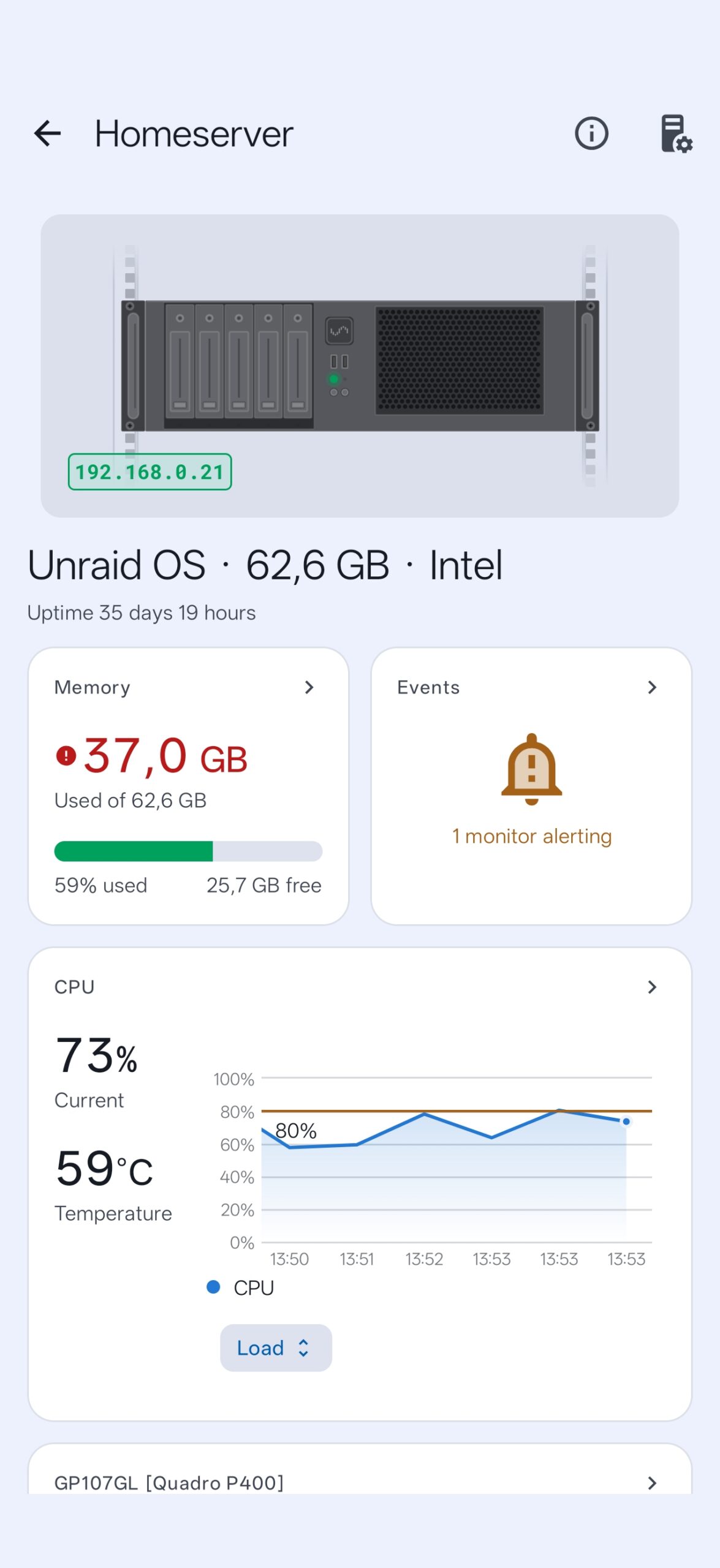
CPU, memory, disks, filesystems, processes and network interfaces, sampled live and kept as history you can scroll back through.
Alerts
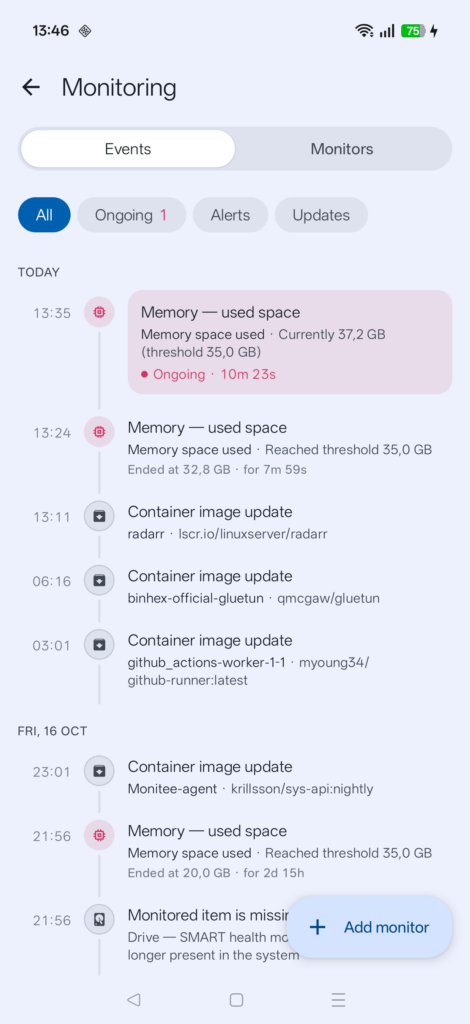
Set a limit on any value, such as CPU temperature above 90°C for 30 seconds, and get a push notification when it trips and again when it recovers.
Docker
Start, stop, restart and update containers. Read their logs and see what each one is using.
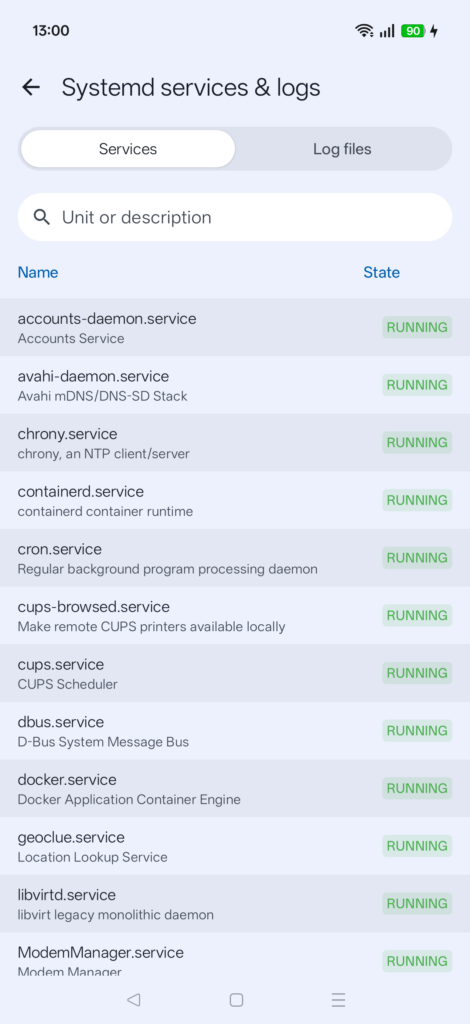
Services
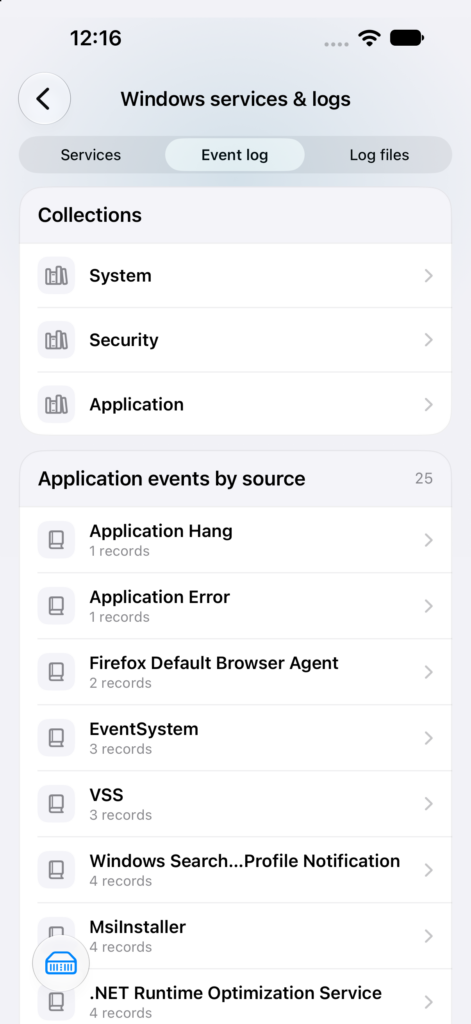
systemd units on Linux and services on Windows: start, stop, restart and read the log, without opening a shell.
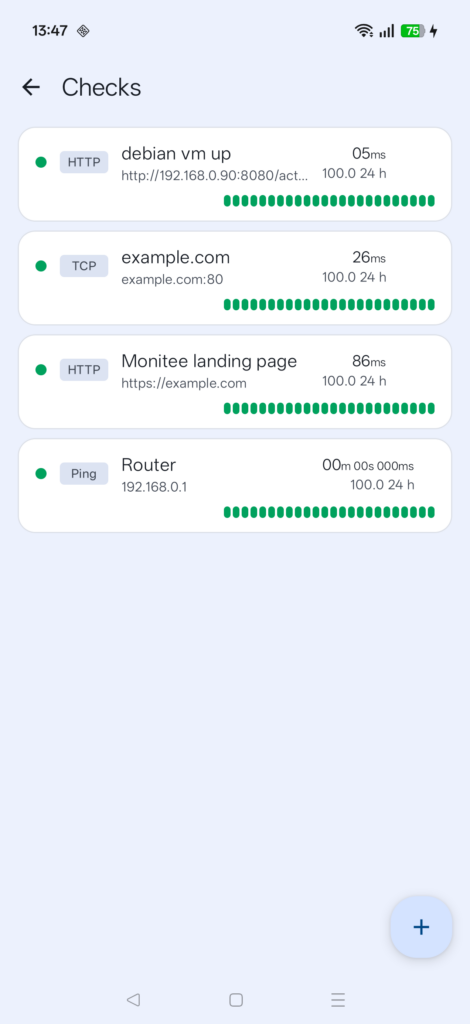
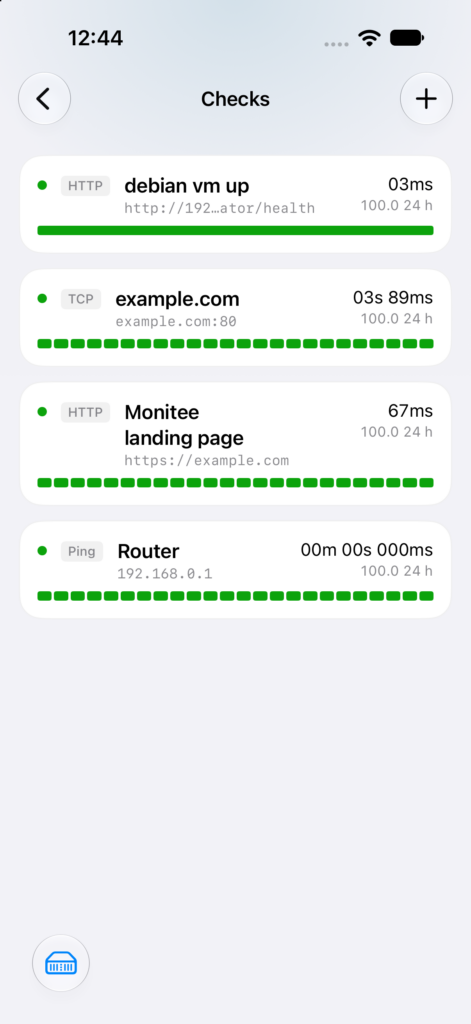
Website checks
Poll any HTTP endpoint for status, response time and certificate expiry.
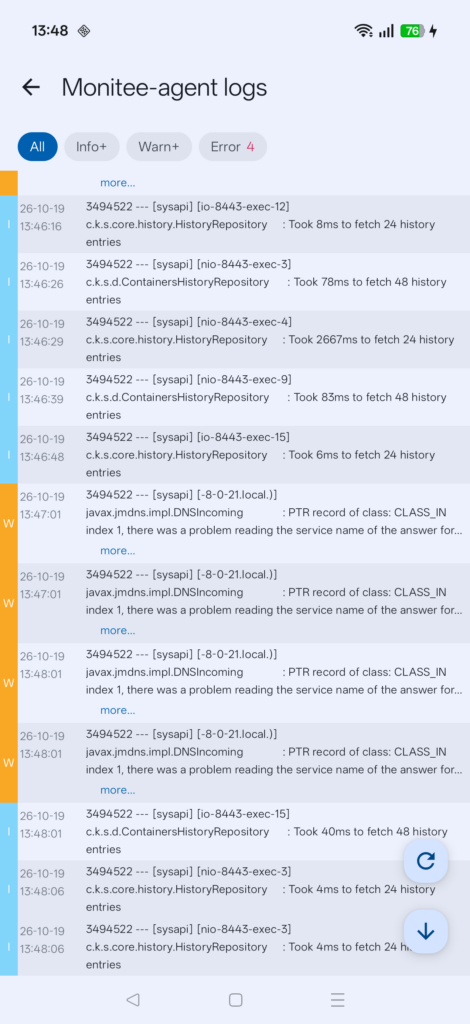
Logs
Open and follow log files and the journal on the host, straight from your phone.
UPS
Battery charge, load and runtime remaining, with an alert the moment mains power drops.
GPU
Utilisation, VRAM and temperature for the card doing your transcoding.
Self-hosted
There is no cloud in between. The app connects to the agent on your own network, or over your own VPN. Your server data never leaves your network, and there is no account to make.
Free watches one server with current values on every screen. History, alerts and control are part of Pro. See what is in each.
Reviews
What people say on Google Play.
Excellent app, easy to setup. I bought since it was cheap compared to other pricy monitors
Super clear. Please add another SSH client.
Translated from German
Super Übersichtlich. Bitte noch einen SSH Client einfügen.
Very good, with it I can monitor my server in detail, having the practicality that a smartphone offers.
Translated from Portuguese
Muito bom, com ele consigo monitorar o meu servidor detalhadamente, tendo a praticidade que o smartphone oferece.
amazing app thank you
Super useful!
What's I needed to monitor my computers! Super!
Ratings and downloads come straight from Google Play. The quotes are real reviews, picked by hand.
Here’s how it looks
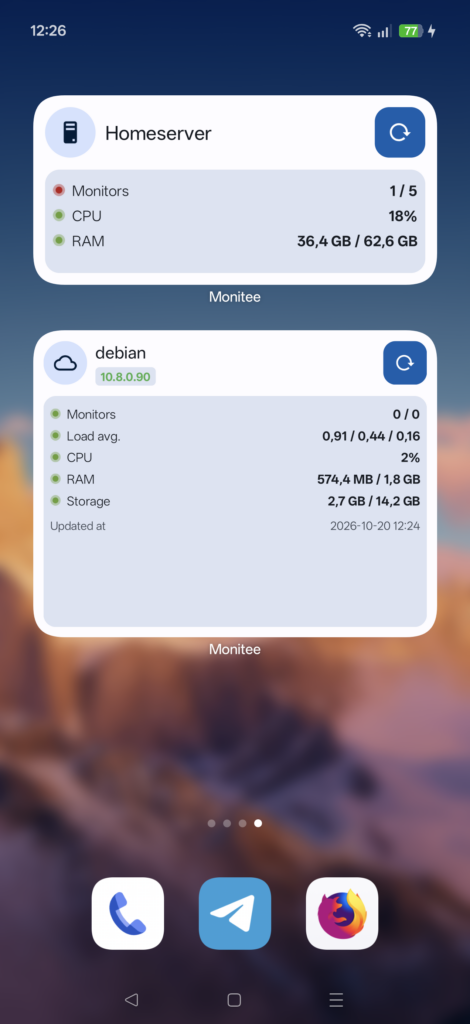
A native app, light or dark to match your phone.
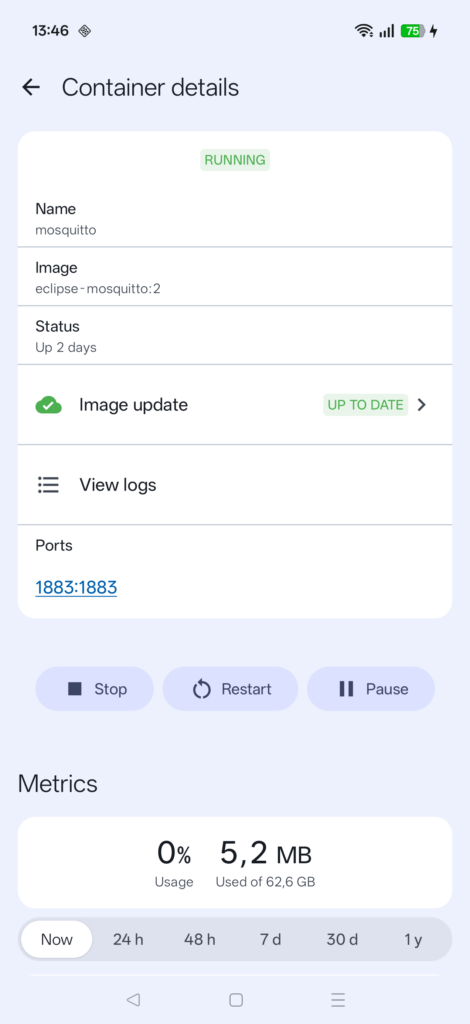
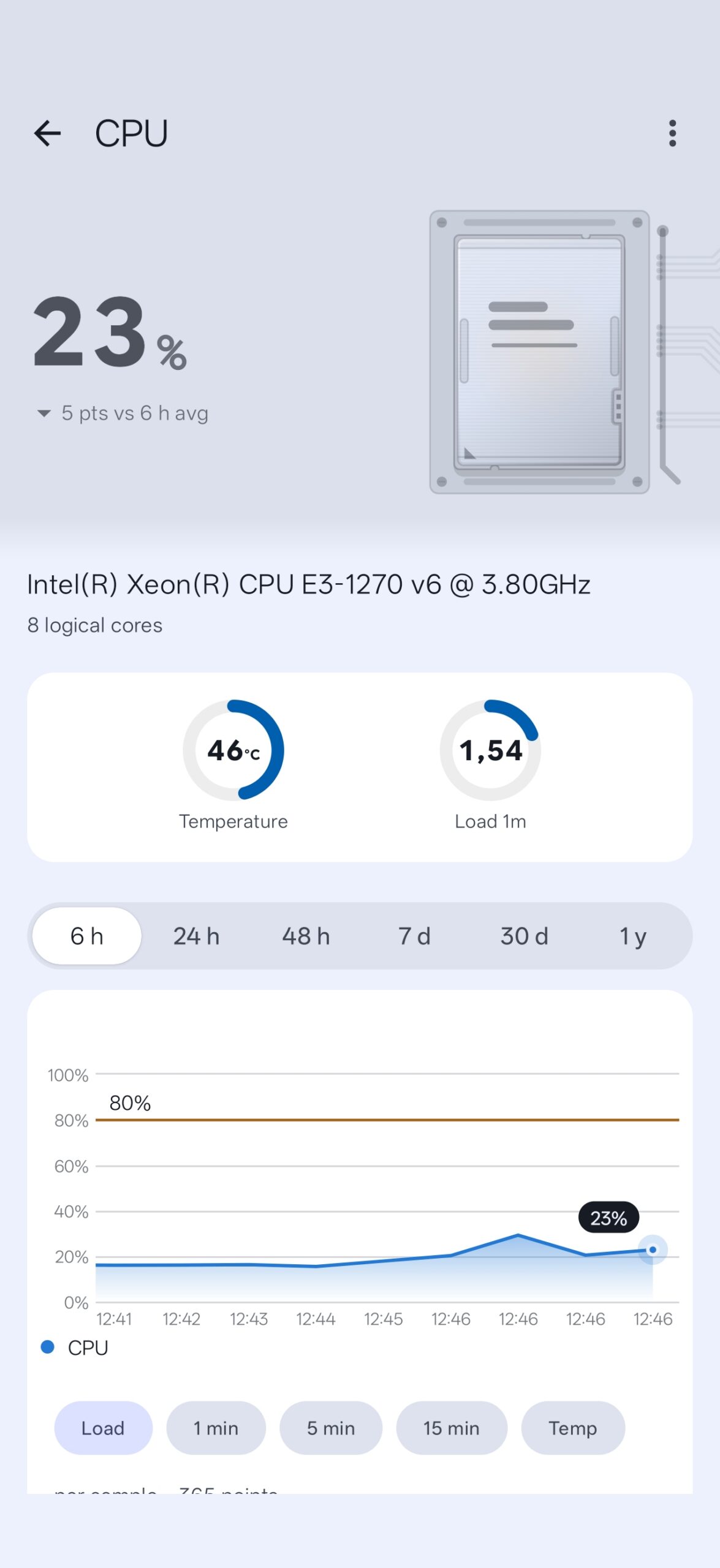
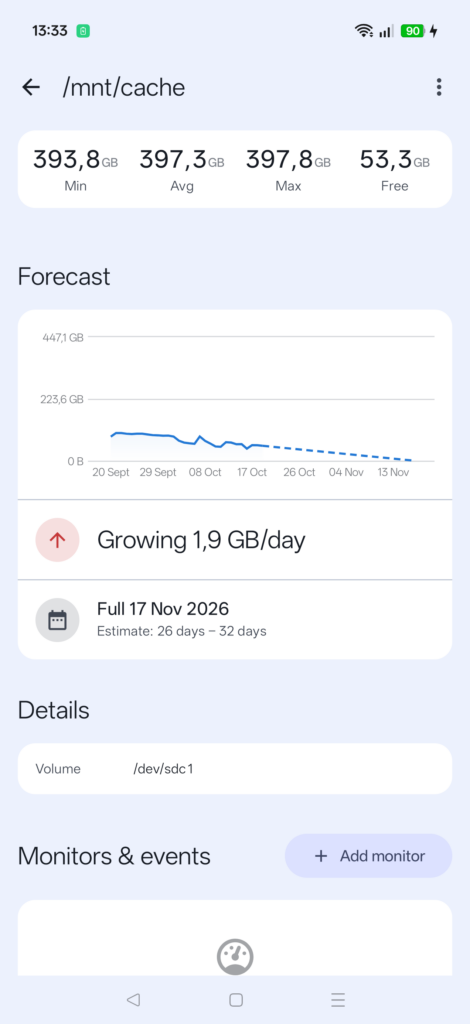
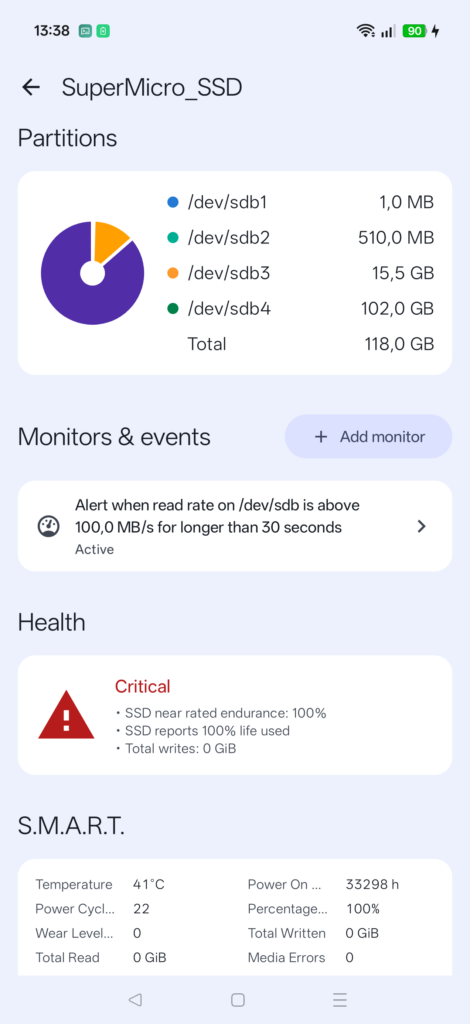
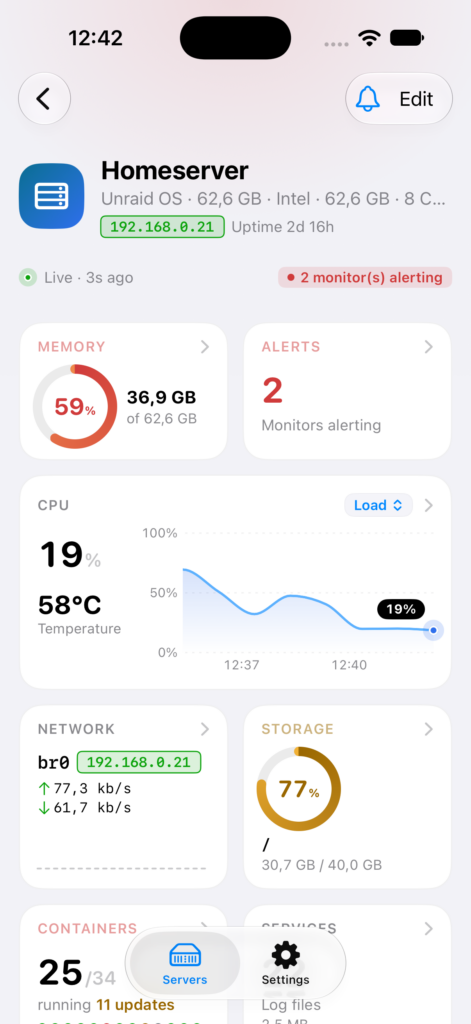
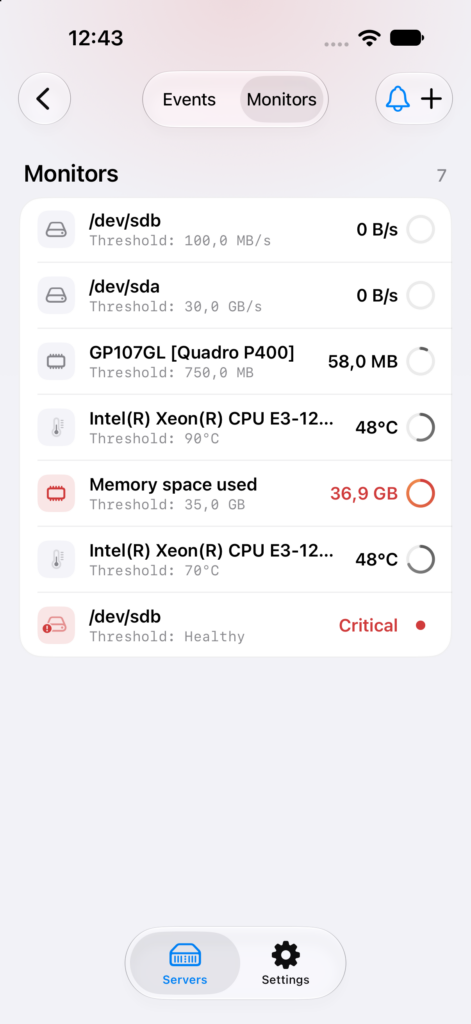
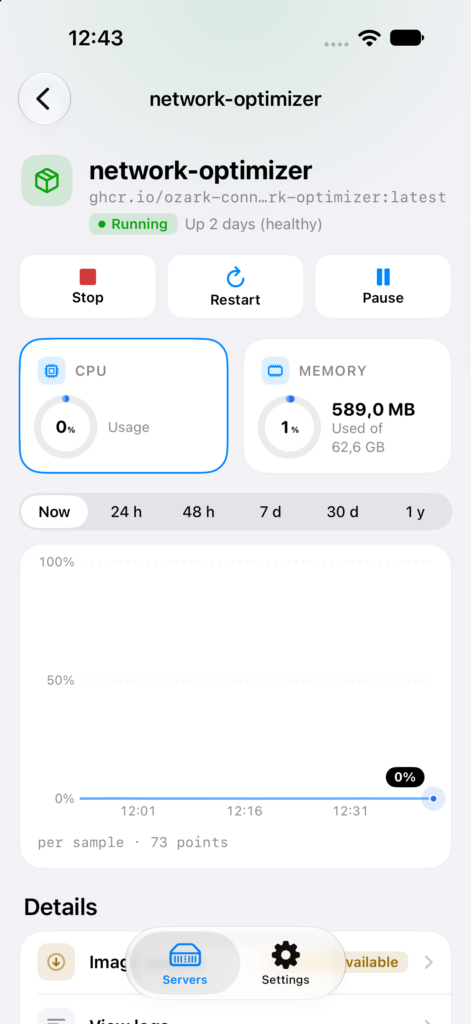
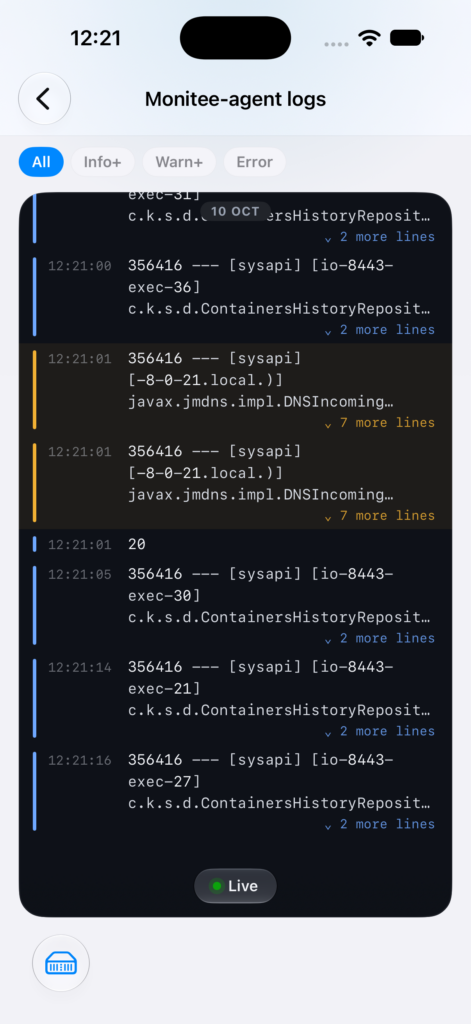
Get started
Up and running in three steps.
Monitee is two pieces: the app on your phone, and a small open-source agent on the server you want to watch.
1
Install the agent on your server
A Docker container, an Unraid or TrueNAS community app, a Home Assistant add-on, a deb package or a Windows installer. Pick the one that matches your box and set a username and password.
2
Add it in the app
Install Monitee and tap +. On your own network the agent announces itself, so there is usually nothing to type.
3
Sign in
Use the username and password you set when installing the agent. That is the whole setup.
Pricing
Free for one server. Pro for the rest.
Free
Free, and it stays freeNo trial, no timer
- One server, refreshed every minute
- Current values on every screen
- No account, no ads. Analytics is opt-in and off by default
- The server agent, open source and unrestricted
Pro
Buy once, or subscribePriced in your local currency, in the app
- Unlimited servers, updated in real time
- History charts, live processes and live logs
- Start, stop and restart containers and services
- Threshold alerts and website checks
- Home-screen widget
A lifetime purchase or a subscription unlock the same thing. Pro is what keeps the app free of ads.